Turn every podcast episode into a week of shorts
Upload the episode or paste its link. Klipi reads the conversation, keeps the moments that stand on their own, frames whoever is talking and captions every word, so each clip works with the sound off.
MP4 up to 400 MB, or a YouTube, Loom, Drive or Dropbox link.
What Klipi does for you
- Picked from what's said
- Every word is transcribed with its timing, then the moments with a clear point, a strong opinion or a good story are kept. No scrubbing through an hour of audio.
- The speaker stays in frame
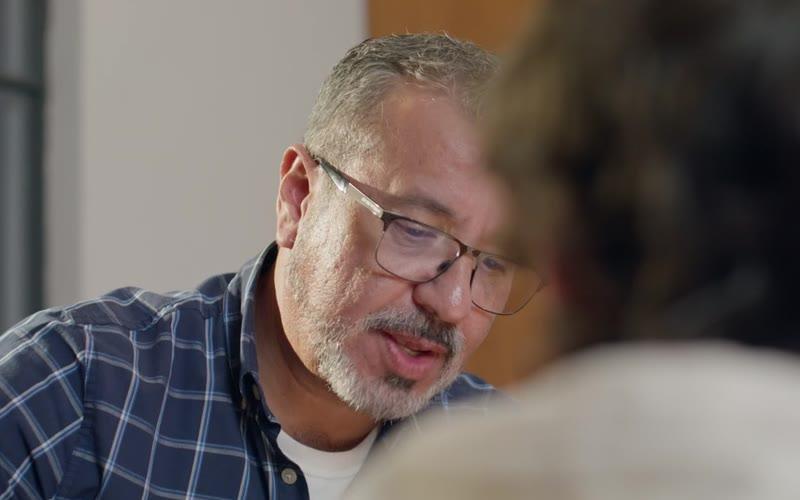
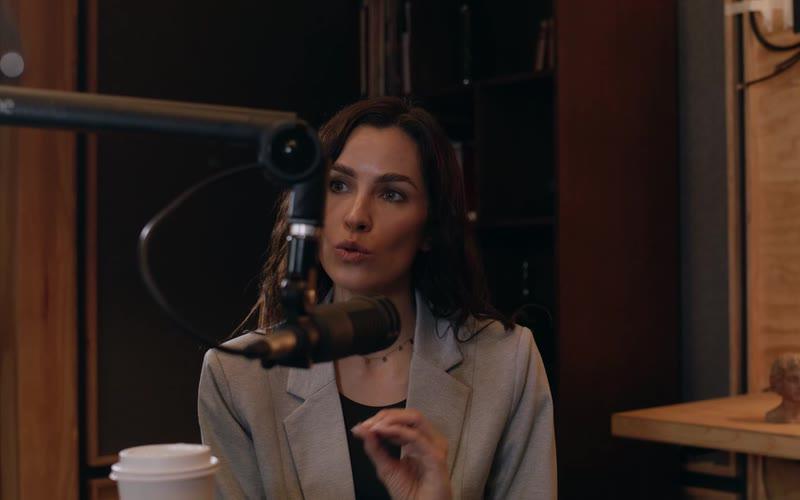
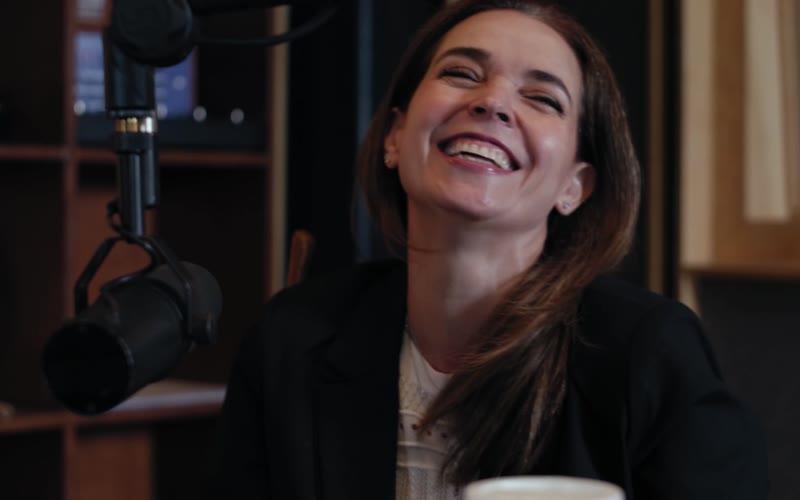
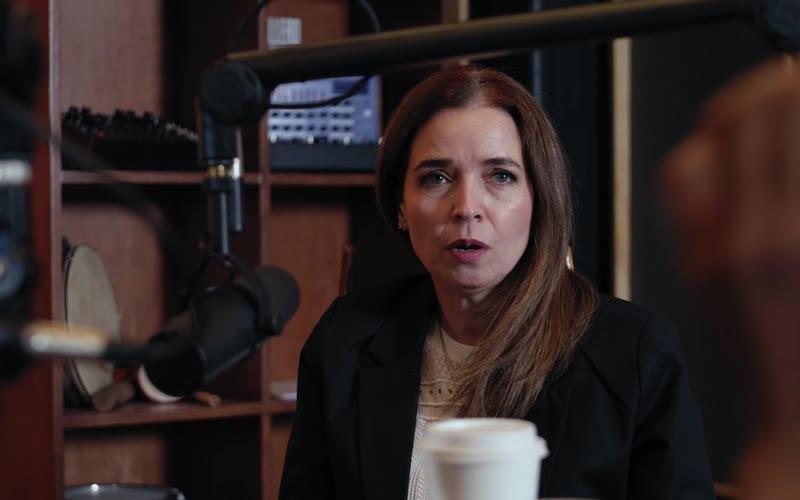
- The vertical crop follows the person talking and cuts between hosts as they take turns. Two people far apart can be stacked in a split screen instead.
- Captions you can read on mute
- Word-by-word captions are burned into the video in the style you pick, so clips make sense in a feed where most people scroll without sound.
- Posted when listeners are on
- Each clip is drafted for a good time to post on TikTok, Instagram, YouTube, Facebook, LinkedIn, X, Threads, Pinterest and Bluesky. Nothing goes out until you confirm it.
From a long recording
to clips on your feed
The same four steps for every video. It runs in the background, so you can close the tab and come back to finished clips.
Add a video
Upload an MP4 up to 60 minutes, or paste a YouTube, Loom, Google Drive or Dropbox link.
When you upload
Picked from what's said
Every word is transcribed with its timing, then a language model keeps the parts that stand on their own.
Within minutes
Cut, cropped and captioned
Each clip is cropped to 9:16, captioned word by word and exported as a 1080p MP4. No watermark.
A few minutes later
Posted at its best time
Clips wait as drafts for when your followers are on. Confirm, and they post to TikTok, Instagram, YouTube, X, Threads and more.
All week

Everything
you need to know
What you can upload, what you get back and how the limits work. Something else? Email us.
Up to 60 minutes on Starter, 90 on Pro and 120 on Business. Upload an MP4 or paste a YouTube, Loom, Google Drive or Dropbox link.
More ways to use Klipi
Your next video already
has the clips in it
Paste a link or drop in an MP4, and get captioned vertical clips in a few minutes.
MP4 up to 400 MB and 60 minutes, or a YouTube, Loom, Drive or Dropbox link. Plans from $29 a month.