Turn one long video into
captioned, ready-to-post shorts
Upload a podcast, interview or talk. Klipi reads what's said, cuts the moments worth posting into vertical clips, captions every word and drafts them for when your followers are on.
MP4 up to 400 MB, or a YouTube, Loom, Drive or Dropbox link. See how it works
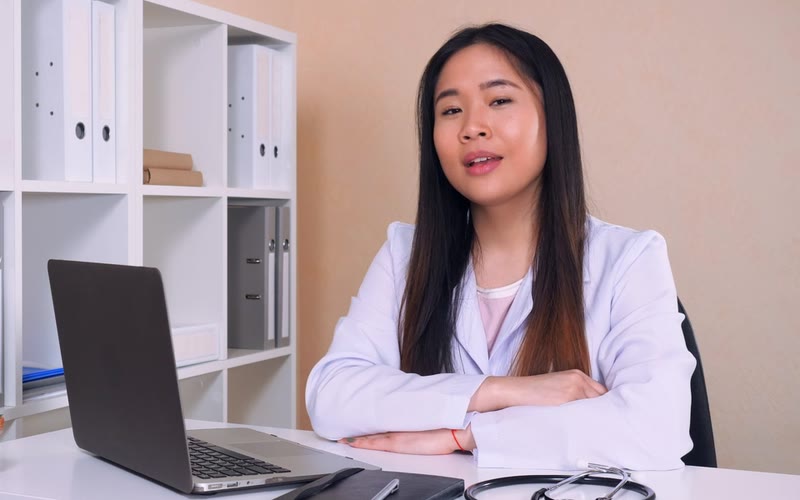
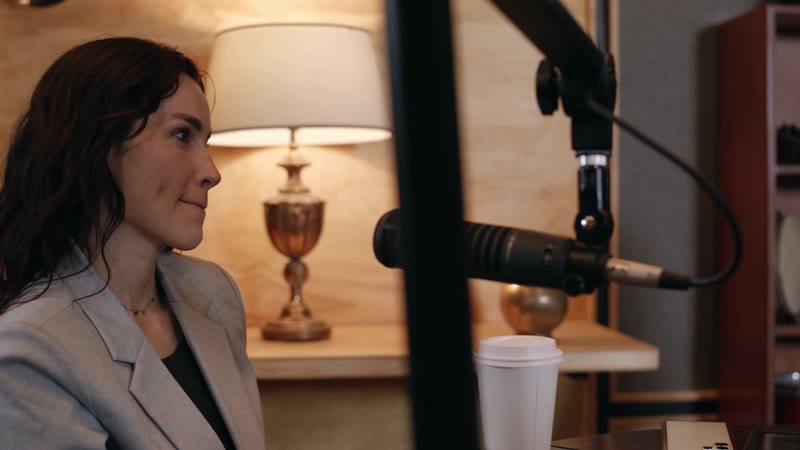
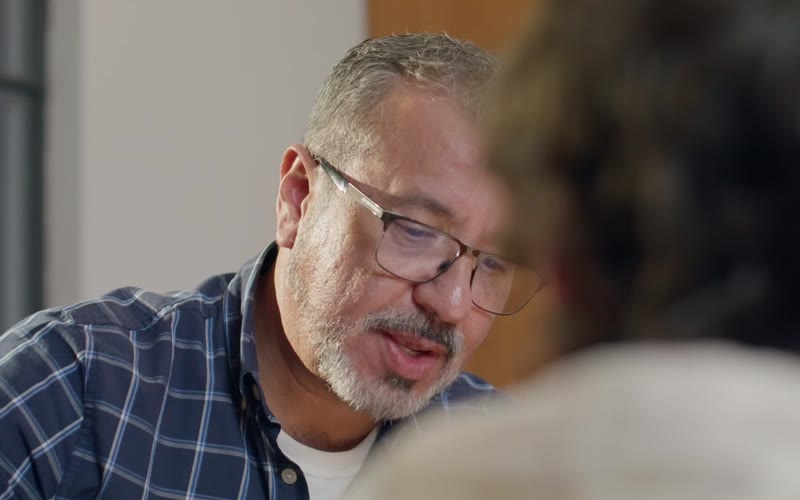
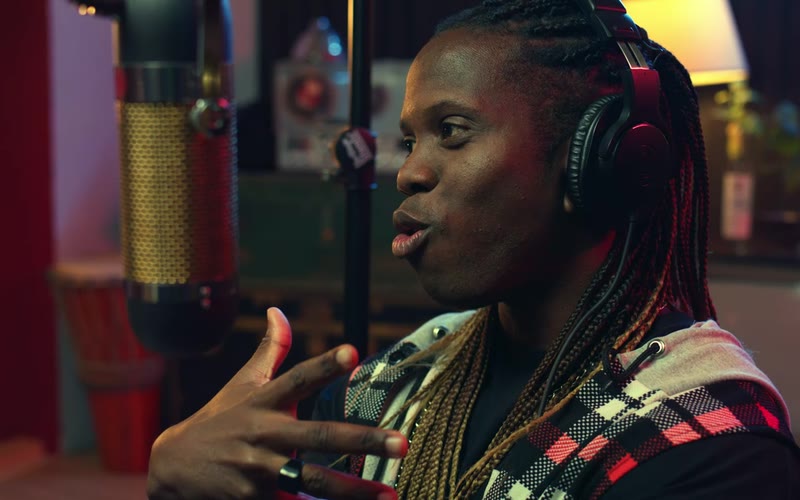
- Transcribe
- Pick
- Caption
- Post
Great recordings,
no time to clip them?
You already said the good stuff on camera. Getting it out of an hour-long file and onto a feed is where the week goes.
Hours of scrubbing
Finding the forty seconds worth posting means watching the whole recording again.
Captions by hand
Typing and timing every word is slow, and a caption that lands late reads as a mistake.
Nothing left to post
By the time the clips are ready, the week has gone and the feed stays quiet.
One upload.
Clips that are ready to post.
Klipi does the watching, cutting and captioning in one pass. You review finished clips, not a timeline, and nothing posts until you say so.
Clips from each video
Up to 10
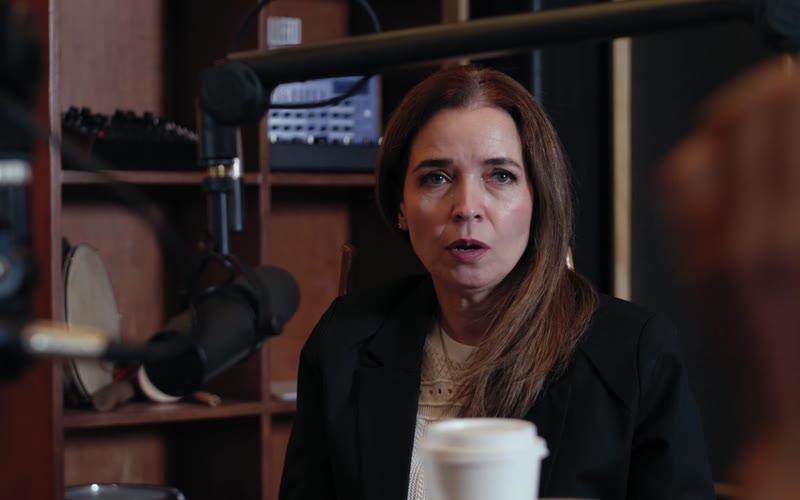
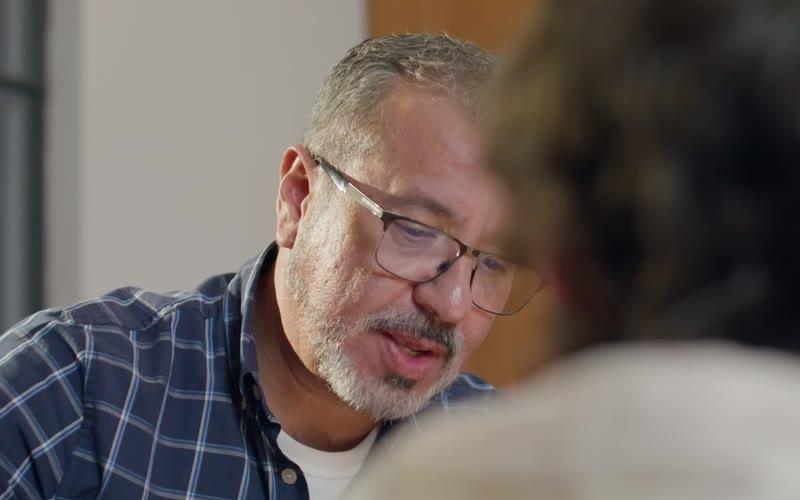
Usually 3 or more when the video has enough strong moments. Each tiny frame is one clip.
Length of each clip
15–60 s
Each opens on a hook and ends on a finished thought, so it stands on its own.
Caption styles
3
Timed to every word and burned in. Switch any clip's style after it renders.
Places it posts
9
1080p vertical MP4s with no watermark, posted as videos, Reels and Shorts.
- TikTok
- YouTube
- X
- Threads
- Bluesky
Upload to first draft
A few minutes
Close the tab once it's uploading. Klipi tells you when the clips are waiting.
- YouUpload
- Word by wordTranscribed
- From what's saidPicked
- 9:16, captionedRendered
- At its best timeDrafted
Captions on every word,
in the style you pick
Bold, Highlight or Clean, timed word by word from the transcript and burned in. Switch styles on any clip after it renders.
Bold captions
Big uppercase words with a heavy outline. Two or three words at a time.
Highlight captions
Each word lights up yellow as it is spoken.
Clean captions
Sentence-case subtitles on a soft dark box near the bottom.
Made for anything
said on camera
Pick what you record. Klipi treats every kind the same way: it reads the transcript and keeps what stands on its own.
Podcasts
An hour of conversation holds a handful of moments people would share. Klipi reads the whole episode and cuts the ones that land without the rest of it.
- Suggested captions
- Bold
- Clip length
- 15–60 s
- Works well on
- TikTokInstagramYouTube
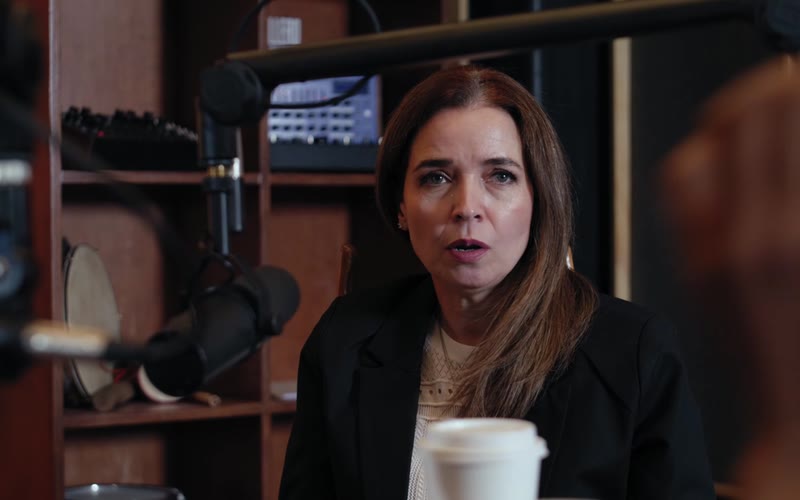
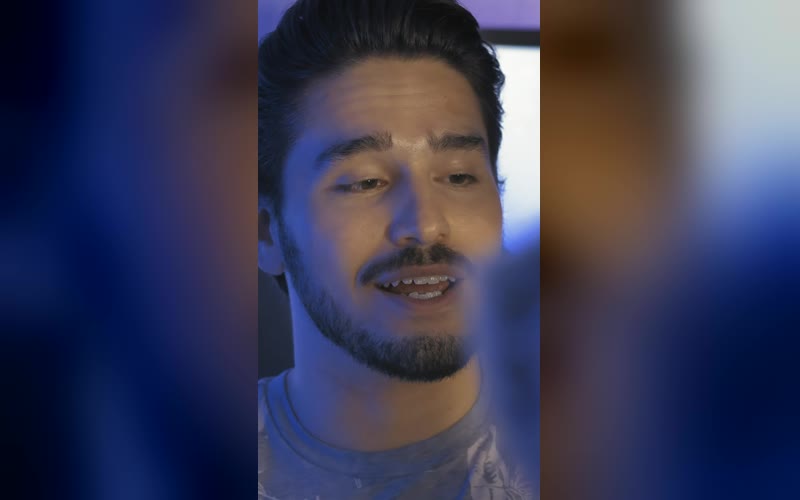
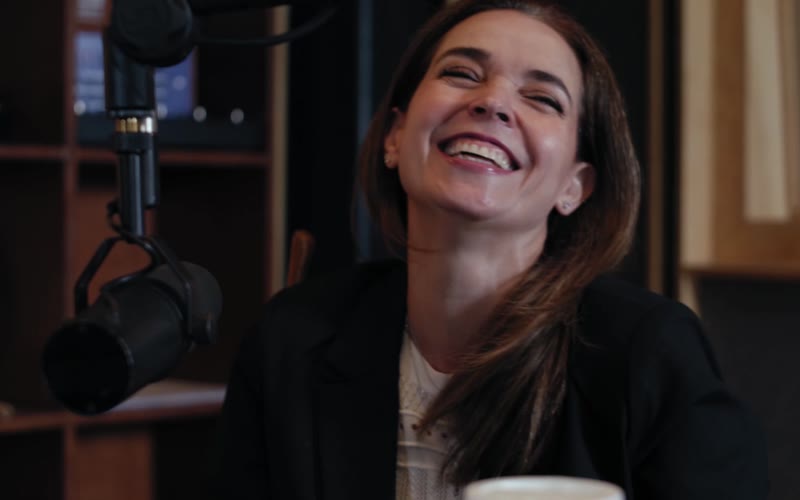
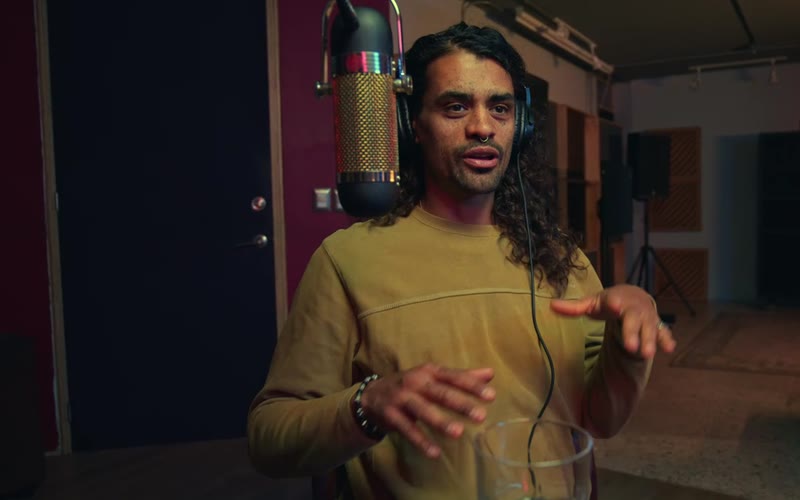
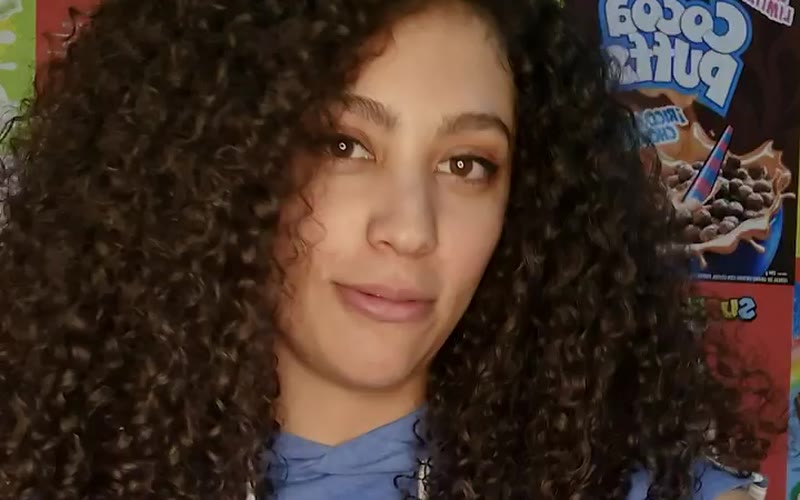
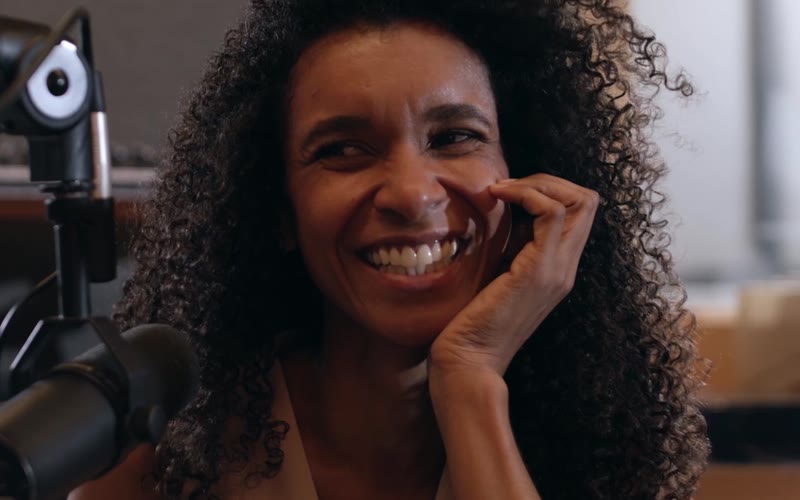
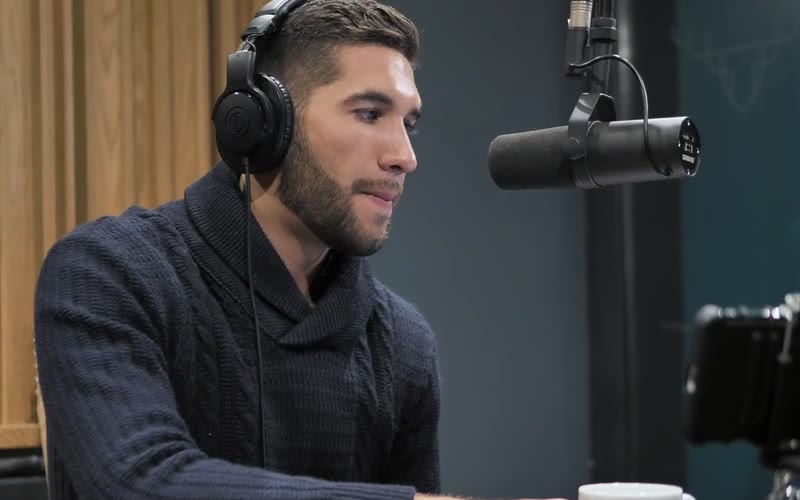
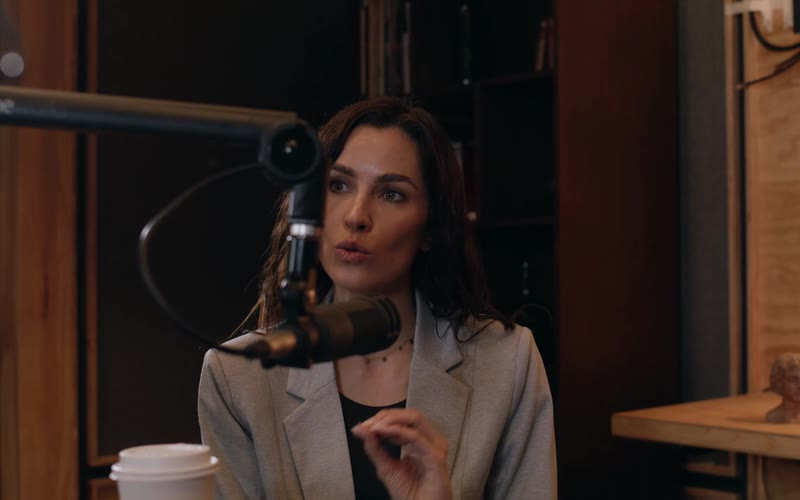
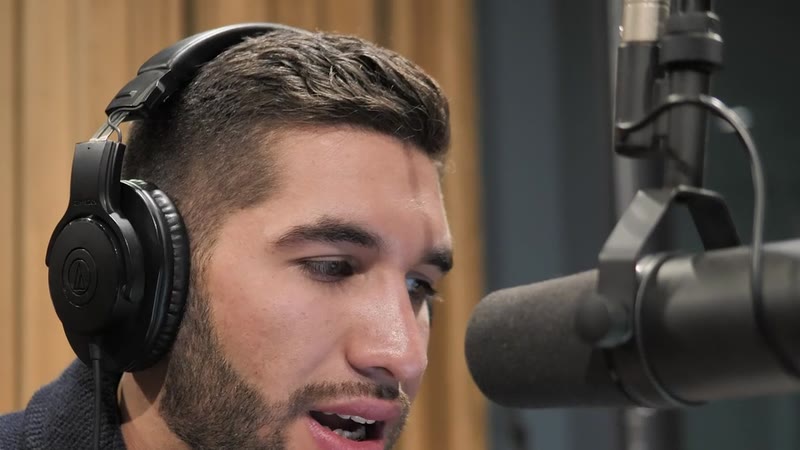
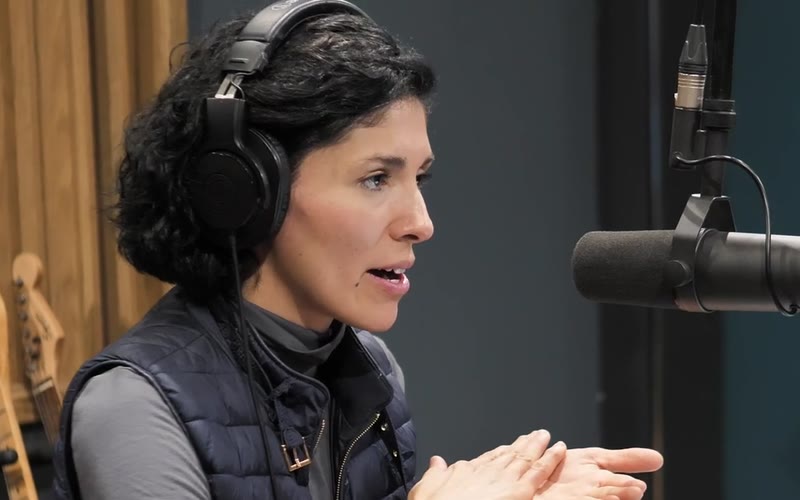
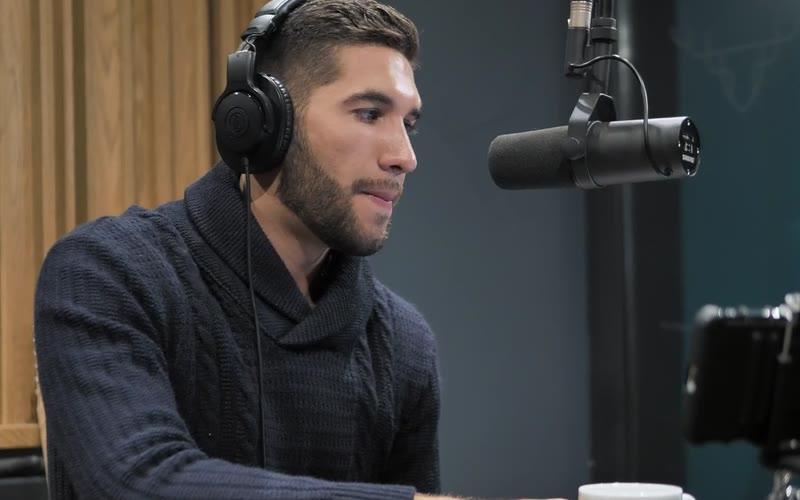
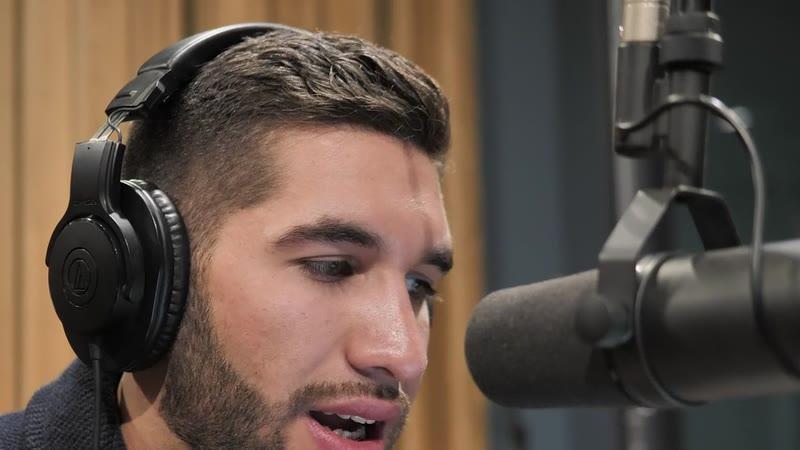
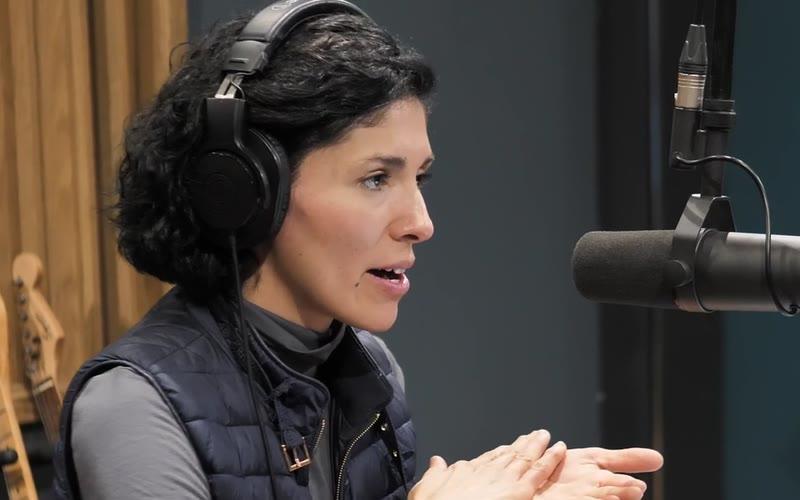
Sample footage with sample lines, captioned the way Klipi burns them in.
More clips,
less editing
Hand Klipi the recording. It hands back finished, captioned clips while you get on with the next episode, the next client or the next call.
Leave while it works
Transcribing, picking and rendering run in the background. Close the tab; Klipi tells you on your desktop or phone when the clips are ready.
Restyle without re-uploading
Change a clip's caption style, size, colour or position, its frame or its start and end. Every look is kept, so switching back is instant.
Drafted for its best time
Each new clip waits as a draft at the hour your followers are most active, with a caption and hashtags written for it.
A weekly show,
a month of posts
Connect TikTok, Instagram, YouTube, X, Threads and more once. Upload each episode as it's recorded, and its clips fill the days after it.
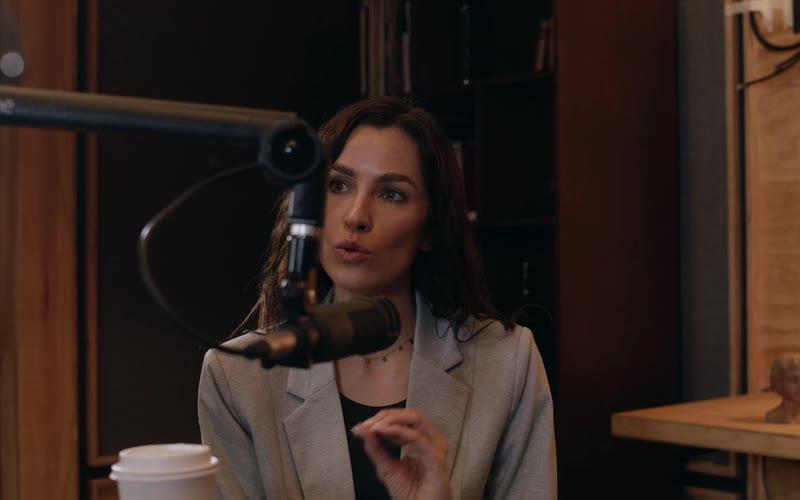
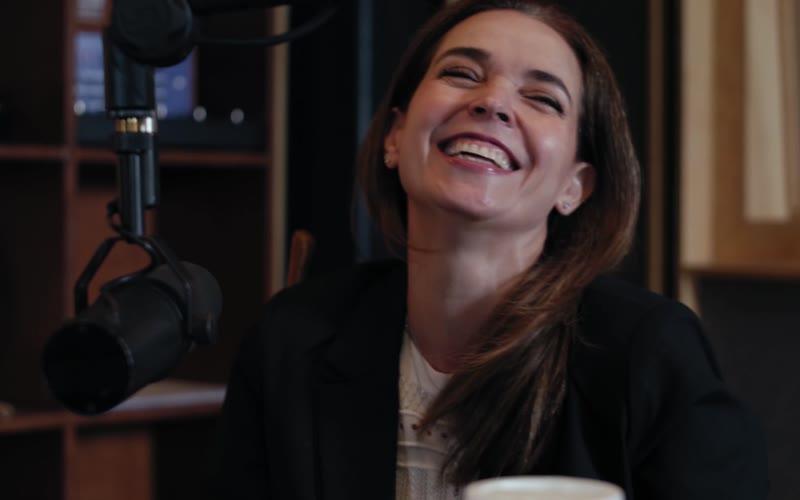
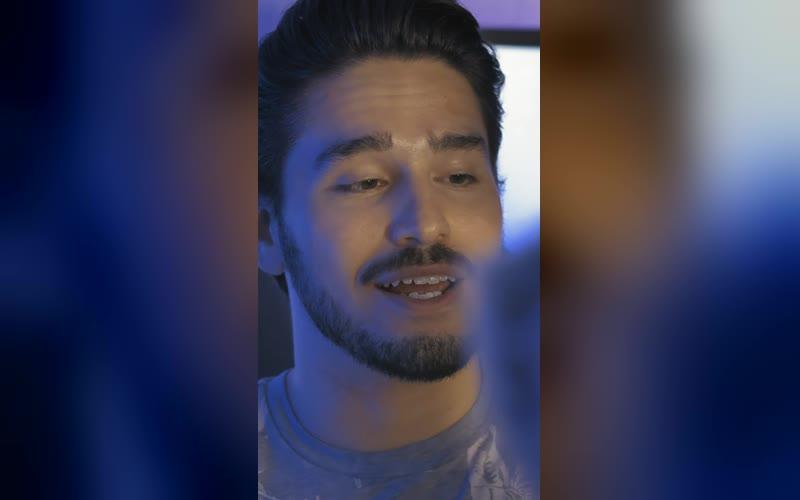
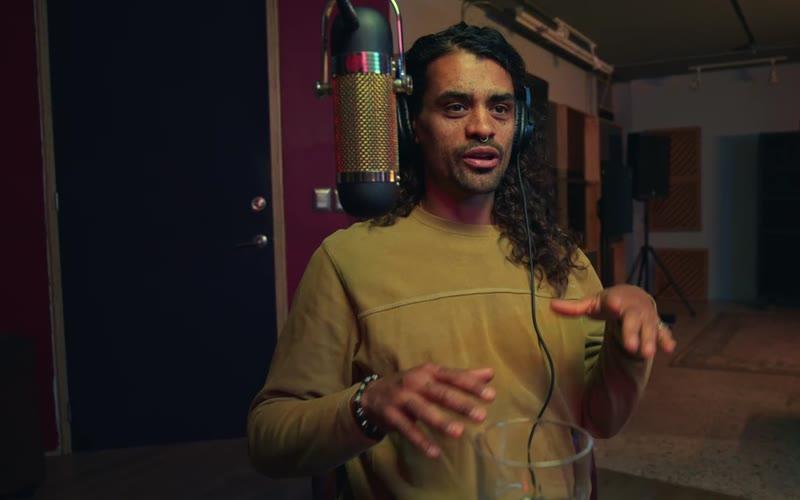
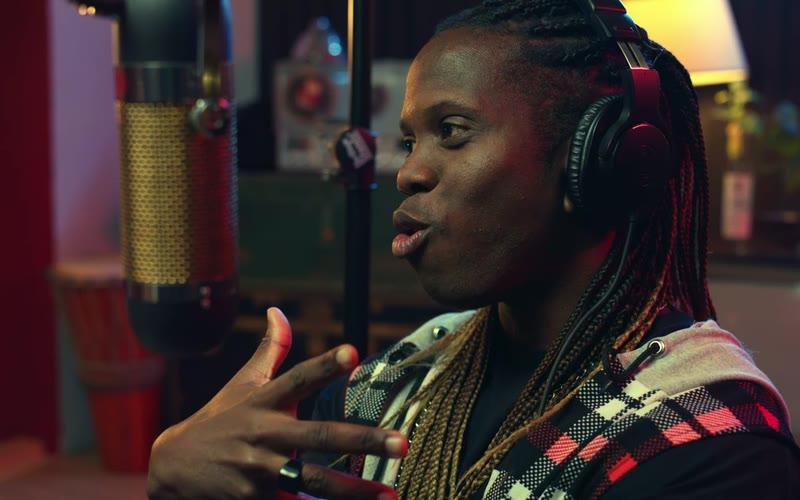
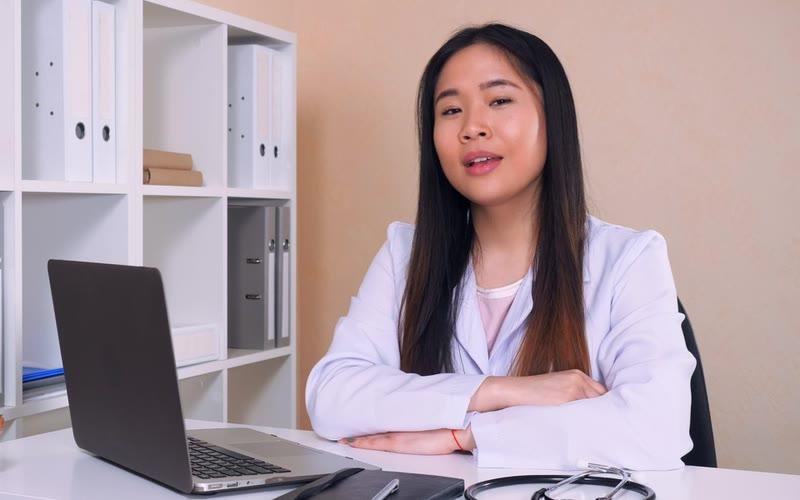
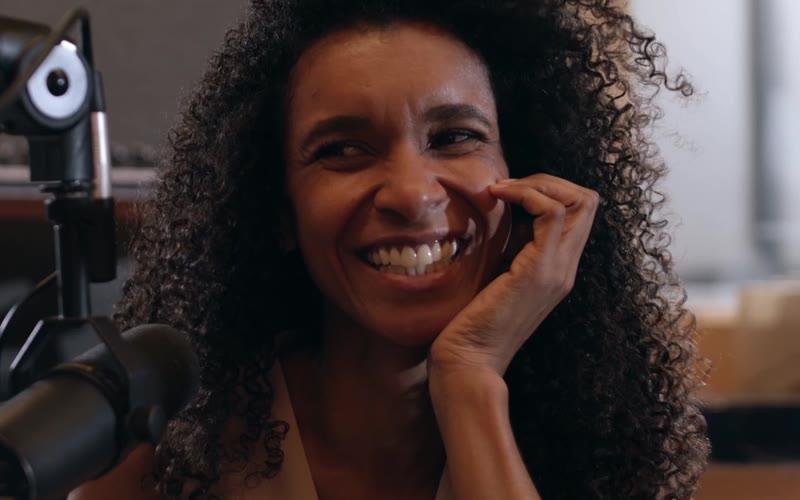
- Drafted for its best timeEach new clip is drafted one a day, at the hour your followers are most active, in your time zone.
- Nothing posts until you confirmMove a draft, edit its caption, or confirm the whole week at once.
- One clip, five placesTikTok video, Instagram Reel, YouTube Short, Facebook Reel, LinkedIn video, X video post, Threads video, Pinterest video Pin, Bluesky video.
From a long recording
to clips on your feed
The same four steps for every video. It runs in the background, so you can close the tab and come back to finished clips.
Add a video
Upload an MP4 up to 60 minutes, or paste a YouTube, Loom, Google Drive or Dropbox link.
When you upload
Picked from what's said
Every word is transcribed with its timing, then a language model keeps the parts that stand on their own.
Within minutes
Cut, cropped and captioned
Each clip is cropped to 9:16, captioned word by word and exported as a 1080p MP4. No watermark.
A few minutes later
Posted at its best time
Clips wait as drafts for when your followers are on. Confirm, and they post to TikTok, Instagram, YouTube, X, Threads and more.
All week
Simple plans, priced
by the minute
Every plan has all three caption styles, 1080p clips and no watermark. Cancel any time.
Starter
For creators posting a few times a week.
$29month
- 100 clips a month
- Videos up to 60 min and 400 MB
- 1080p clips, no watermark
- Unlimited social accounts
- Auto-posting to 9 networks
- 3 videos processing at once
Pro
Most popularFor podcasters and creators posting every day.
$79month
- 300 clips a month
- Videos up to 90 min and 400 MB
- 1080p clips, no watermark
- Unlimited social accounts
- Auto-posting to 9 networks
- 5 videos processing at once
Business
For agencies and teams clipping several shows.
$189month
- 1,000 clips a month
- Videos up to 120 min and 400 MB
- 1080p clips, no watermark
- Unlimited social accounts
- Auto-posting to 9 networks
- 10 videos processing at once
Prices in US dollars. Yearly plans are billed once a year at half the monthly price. Cancel any time; your plan runs to the end of the period you've paid for.
Everything
you need to know
What you can upload, what you get back and how the limits work. Something else? Email us.
Anything where people talk: podcasts, interviews, webinars, lectures, vlogs and talking-head videos. Clips are chosen from what is said, so videos without speech can't be clipped.
From the links you have
to the feeds you post on
Upload an MP4, or paste a link to a video you own. Clips post as TikTok videos, Reels, Shorts and LinkedIn videos.
Add videos from
- YouTube
- Loom
- Google Drive
- Dropbox
Post clips to
- TikTok
- YouTube
- X
- Threads
- Bluesky
Your next video already
has the clips in it
Paste a link or drop in an MP4, and get captioned vertical clips in a few minutes.
MP4 up to 400 MB and 60 minutes, or a YouTube, Loom, Drive or Dropbox link. Plans from $29 a month.